How do I get access to LangSmith Agent Builder?
Last updated: October 30, 2025
Context
LangSmith Agent Builder is currently in private preview and allows users to create and test agents directly in LangSmith with a no-code text-to-agent experience. Many customers are interested in trying out this new feature to build agents without requiring extensive coding knowledge.
Answer
To get access to LangSmith Agent Builder, you need to join the waitlist and follow these steps:
Sign up for a LangSmith Cloud account if you don't already have one. Agent Builder is currently only available on the cloud tier, not for self-hosted instances (though self-hosted support is coming soon).
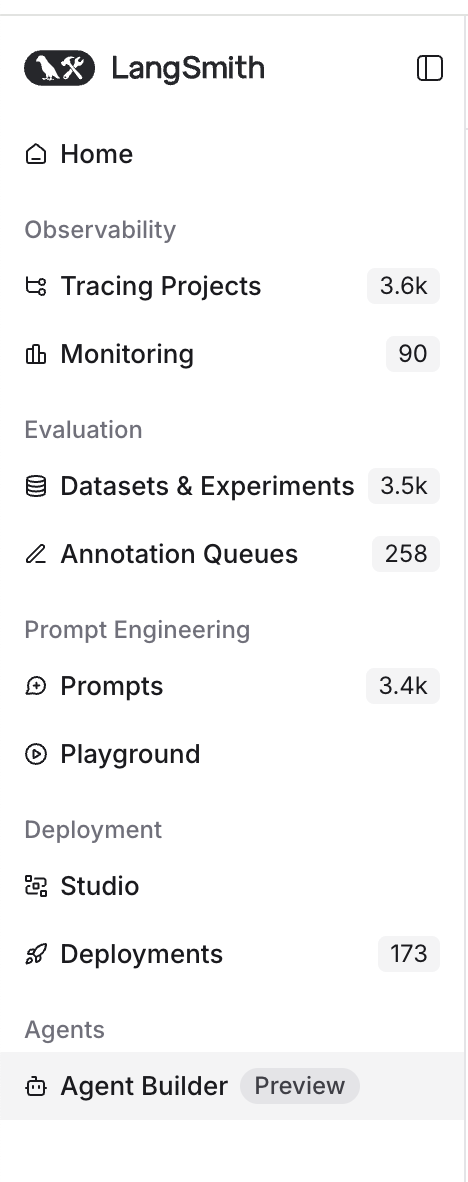
Navigate to the Agent Builder tab in your LangSmith UI. You'll see it in the left navigation menu under the "Agents" section.
Fill out the waitlist form that appears when you click on the Agent Builder tab. You can also access it directly at: https://www.langchain.com/langsmith-agent-builder-waitlist
Important notes:
Agent Builder is expected to move to public beta within approximately 2 weeks from the current date
The feature is currently only available for LangSmith Cloud accounts
You may encounter some bugs during the private preview phase
If you're part of an organization, make sure to sign up using your organization's LangSmith account rather than a personal account
Once you're granted access, you'll receive an email notification and the Agent Builder will become available in your LangSmith interface.